Three invoices, one idea: inside our first preview.
Why the first Margevia demo uses three fictional invoices, reversible review states and visible source evidence.
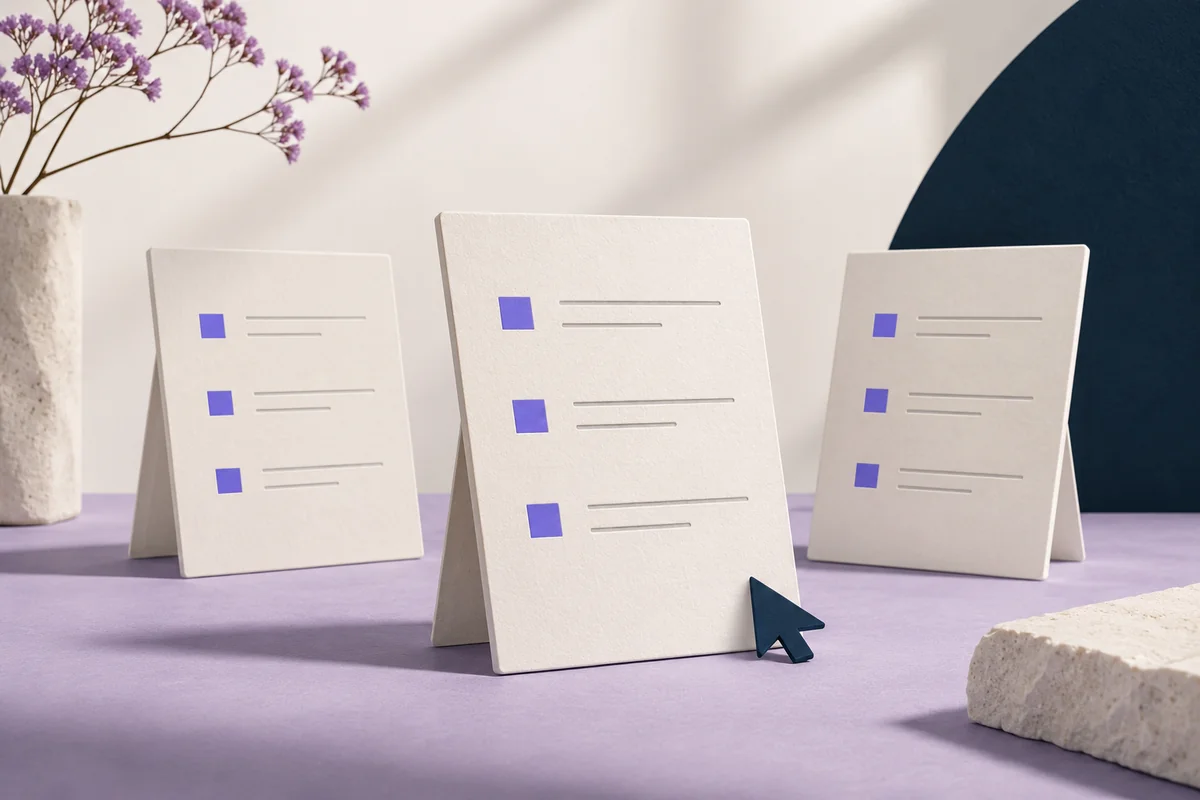
A product idea is easier to discuss when people can try a small part of it. Our first preview focuses on one sequence: choose an invoice, understand a difference and decide whether it is ready for follow-up.
A small, honest preview can test whether a workflow makes sense before live processing and integrations are built.
Use three cases that ask different questions.
Greenfield Foods is the price-check case. Its fictional invoice totals €1,588.80 against a matched amount of €1,492.80, leaving €96 to review. The detail separates the €84 chicken-price difference from the €12 olive-oil difference so visitors can inspect the individual lines.
Harbour Fresh is the delivery case: €354 invoiced, €312 matched and €42 to investigate. Daily Provisions is the matched case: €228 on both sides and no difference. Including a matched record matters because a review interface should also explain when there is nothing to pursue.
Swipe sideways to see the full table.
| Fictional supplier | Difference | What the example explores |
|---|---|---|
| Greenfield Foods | €96 | Agreed and invoiced unit prices |
| Harbour Fresh | €42 | Billed and received quantities |
| Daily Provisions | €0 | A matched invoice |
Let people explore without creating a real case.
The sample review action changes the record to “Ready for follow-up.” It can be reset, and it stays local to the current page visit. The matched invoice disables that action because there is no sample difference to prepare.
The comparison export contains fictional records and describes the review state. Neither the export nor the button sends a message to a supplier. Keeping that boundary explicit lets someone explore the workflow without confusing a demonstration with an operational action.
Look for understanding before feature requests.
A useful walkthrough asks the visitor to explain what they see. Which amount would they investigate? Where would they look for the agreement? What would they need to confirm before sending a query? Can they tell the difference between a flagged amount and a received credit?
Those questions test the clarity of the proposed workflow. They also reveal missing context that a polished screen can conceal: a product substitution, an uncertain unit, a partial delivery or an approval that lives in an email. A future version should make those situations manageable rather than assume them away.
Keep the stage of the product visible.
The preview is not an OCR service, an accounting integration or a live supplier-credit system. A 15-second motion film now illustrates the sample workflow in the Demo video tab. The pilot planner lets visitors choose a team, review focus and number of locations, while brief delivery remains unavailable until it is connected.
These boundaries tell us where the next work begins. Before processing real documents, we would need to define the review process, access, handling of records and responsibility for exceptions with a participating team. None of that is established by a sample dashboard alone.
For now, the preview offers a concrete way to discuss the idea. Try all three invoices and notice where you would need more information. The most useful feedback is a specific moment in the workflow that is unclear, missing or difficult to fit into the way your team already works.
Try the idea with a sample invoice.
Explore the Margevia preview with fictional records and visible source evidence.
Explore the demo